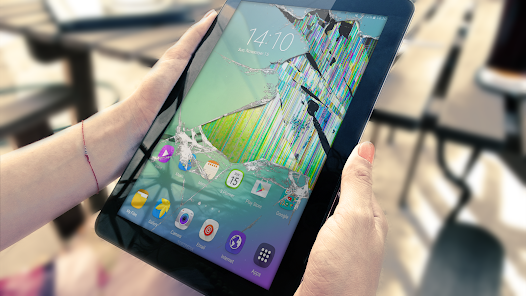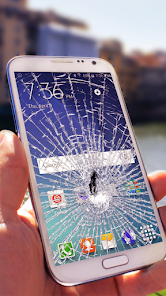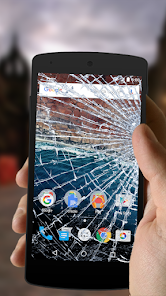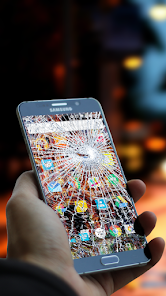
Broken Screen Prank
Apps Screenshots
Editor Evaluation
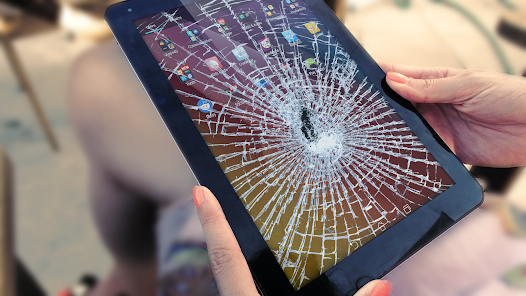
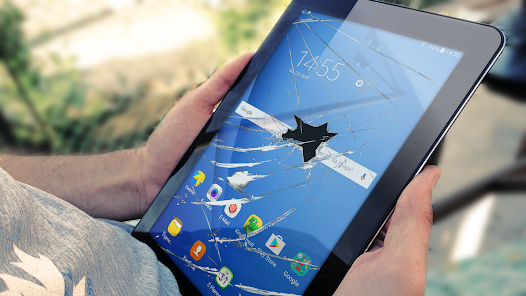
Broken Screen Prank is a fun, lighthearted app from HappySpark that lets you fake a cracked phone screen on your device. It's basically a prank tool designed to freak out your friends or family by making it look like you've just smashed your phone. The app first launched back in 2023 and has been available on both the Google Play Store and the Apple App Store ever since. On Google Play, it's racked up over 10 million installs, which shows how popular it's become for quick jokes. The best part? It's completely free to download and install, and you don't even need to register or create an account to use it. There are no in-app purchases or annoying in-app ads either, so you can start pranking right away without any hassle.
Using the app is super straightforward. Once you download it from Google Play or the App Store, you just open it and choose a crack effect from the gallery—things like spiderweb cracks, shattered glass, or even a dripping liquid screen. You can adjust the severity of the damage and the position on the screen. Then, you simply tap “Apply,” and it overlays the fake crack on your home screen. Your phone acts normally under the overlay, so you can pretend to be frustrated while the other person panics. A tip I'd give is to set the crack to fade in after a few seconds using the timer feature—this makes the prank way more convincing because they won't see you open the app. Also, practice your acting skills a bit before showing it off; a good “Oh no, my screen!” reaction sells the trick.
I've tried a few similar prank apps on Google Play, like Fake Crack Screen or Screen Break Simulator, but I stick with Broken Screen Prank because it feels more polished. The crack effects look super realistic, and the app doesn't clutter your phone with ads or pushy upgrade prompts. Other apps often have you watch a video to unlock better cracks, but this one keeps everything simple and free. Plus, the timer feature is something I haven't seen in many alternatives—it's a small touch that makes the prank feel less staged. If you're into quick, harmless jokes without the fuss, this app is a solid download.
Capabilities
- 🕹️ Realistic Crack Effects: Compared to Fake Crack Screen, Broken Screen Prank offers way more lifelike visuals. The cracks have depth and shadows that react to your touch, so when you tap the “broken” area, it looks like glass splintering further. The other app's cracks feel flat and fake by contrast. You can choose from 15 different patterns, from a single hairline fracture to a full shatter, which gives you flexibility for any prank scenario.
- ⏲️ Smart Timer Feature: This is my favorite trick. You can set the fake crack to appear after a countdown of 5 to 30 seconds. This isn't an option in many similar apps like Screen Break Simulator, which makes you manually trigger the effect. The timed rollout lets you hand your phone to someone casually, then watch their face when the crack pops up later—it's perfect for catching them off guard.
- 📱 No Interruptions Mode: While you're running the prank, the app doesn't interfere with your normal phone use. You can still swipe, type, and open other apps under the crack overlay. Apps like Fake Crack Screen sometimes lock up your home screen until you close the prank, which feels clunky. Here, you can keep up the act for minutes without breaking character.
- 🎮 Simple Setup: You don't need to read a manual or tweak complex settings. Just download it from Google Play, install it, and pick a crack. Some prank apps require you to grant permissions or fiddle with accessibility settings, but this one works out of the box. It's all about getting to the joke fast.
Highlights
- 🎭 Free and Ad-Free: Unlike Fake Crack Screen, which shows a video ad every time you switch effects, Broken Screen Prank doesn't have any in-app ads. It's a clean experience from the moment you install the app from Google Play. I appreciate that HappySpark didn't sacrifice the fun for revenue.
- 👥 No Registration Needed: A lot of similar prank tools, like Prank Master, make you sign up or connect to social media before you can even use the basic features. This app lets you start pranking right after you download it—no email, no password, no fuss. That's a big win for spontaneity.
- 🔄 Frequent Updates: HappySpark regularly pushes updates with new crack patterns and improvements. I've noticed that Screen Break Simulator rarely gets patched, so the effects start looking dated. Here, the visuals just keep getting better, and the app stays compatible with the latest Android versions on Google Play.
Lowlights
- 🔋 Limited Customization: You can't change the color or intensity of the cracks beyond the built-in presets. Some users on Google Play have asked for options like “rainbow cracks” or “glowing edges,” but the app doesn't offer that yet. Fake Crack Screen lets you tweak crack opacity, which is more flexible.
- 📴 No Sound Effects: The prank is totally silent, which can make it less dramatic in some situations. If you want audio cues like a glass shatter or a beep when the crack appears, you're out of luck. Screen Break Simulator includes creepy cracking sounds that boost the scare factor, and I miss that here.
- 🖼️ No Custom Backgrounds: You can't upload your own wallpaper to show behind the crack. The app uses default backgrounds like a photo of a phone screen, so the prank feels a bit generic. Apps like Prank Master let you use your actual home screen as the base, which makes it way more convincing.
Related Recommendation Data


Disclaimer
1. All trademarks, product names, and company names featured on this site belong to their respective owners.
2. Storageapk provides specialized soccer applications developed by our in-house soccer team, accompanied by comprehensive details such as developer contact info, user ratings, and app screenshots.
3. As part of our compliance efforts, Storageapk adheres to the Digital Millennium Copyright Act (DMCA) and responds to valid infringement notices in accordance with the DMCA and other relevant laws.
4. It is important to note that Storageapk is not affiliated with any app developer, nor do we create any applications or games ourselves.
5. Should you be an owner or copyright representative wishing to have your information taken down, you may contact us via email at [email protected].
6. All website content strictly follows the guidelines outlined in the Google Ads advertising policies and the Google Unwanted Software Policy.
What You Like